 African Mall
African Mall
African Mall
African Mall
African Mall
To place your order, please follow these steps:
1. Click the menu icon in the top-right corner of the page and select “Create Account.” Once registered, log in with your credentials.
2. Choose the AICEL SUPERMARKET branch closest to your desired delivery address to view available products.
3. Use the search field to find specific products or search by selecting relevant product categories and subcategories.
4. Click “Add to Cart” on any product you wish to purchase.
5. Click the cart icon located in the bottom menu.
6. Review your items and click "Send for verification".
7. Follow the on-screen instructions to proceed until "Order Confirmation."
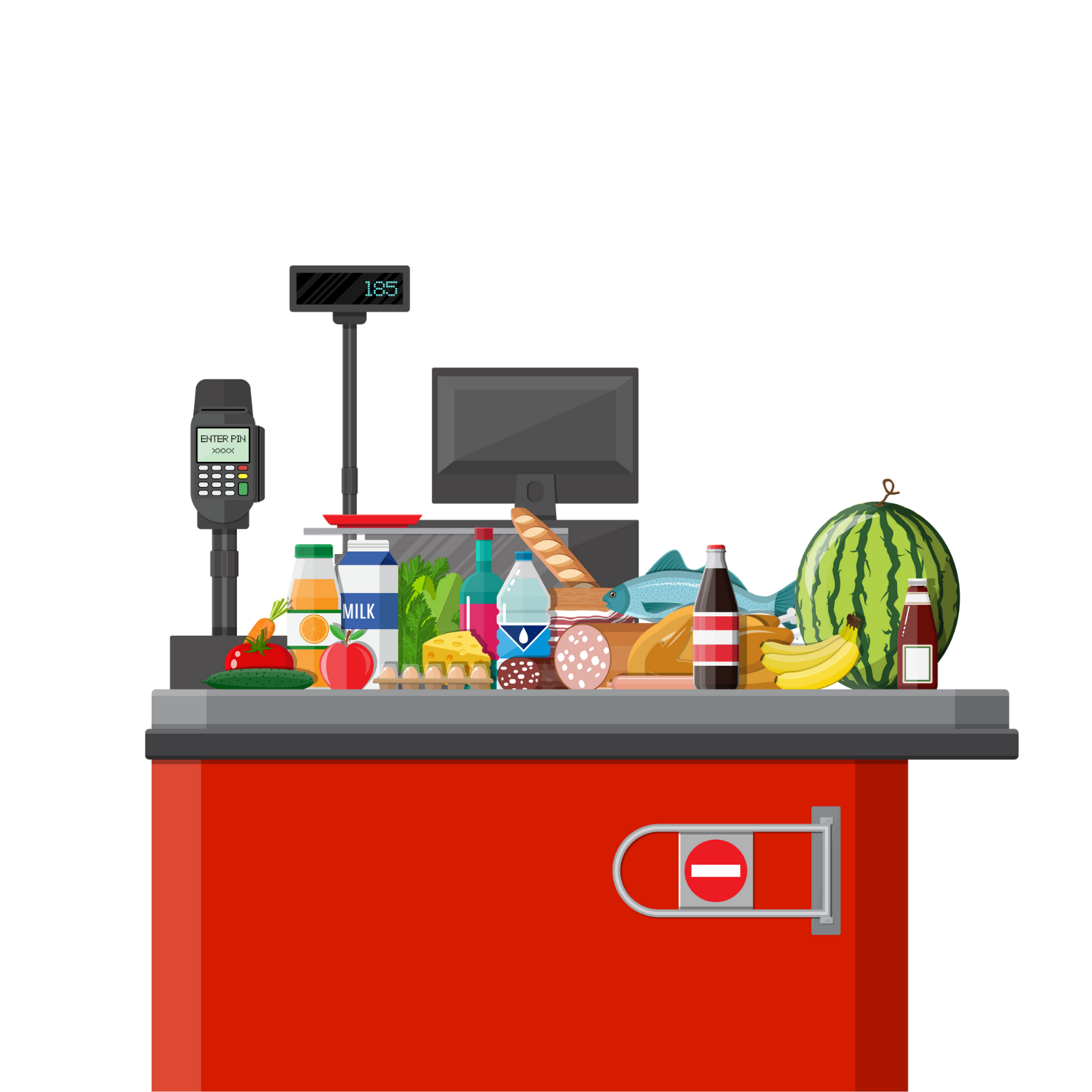
Discover a vast selection of fresh products, groceries, and household items at AICEL Supermarket with home delivery.
Discover a complete range of skincare, cosmetics, and wellness products.
All your health and hygiene essentials available in one click.
A wide selection of laptops and IT equipment for all your professional needs.
The latest tech innovations, tablets, earbuds, and accessories.
Order your favorite meals from the finest restaurants and caterers in town.
 Français
 English